AI
 Tech
 Linguistics
 Deutsch
 Español
 Français
 News
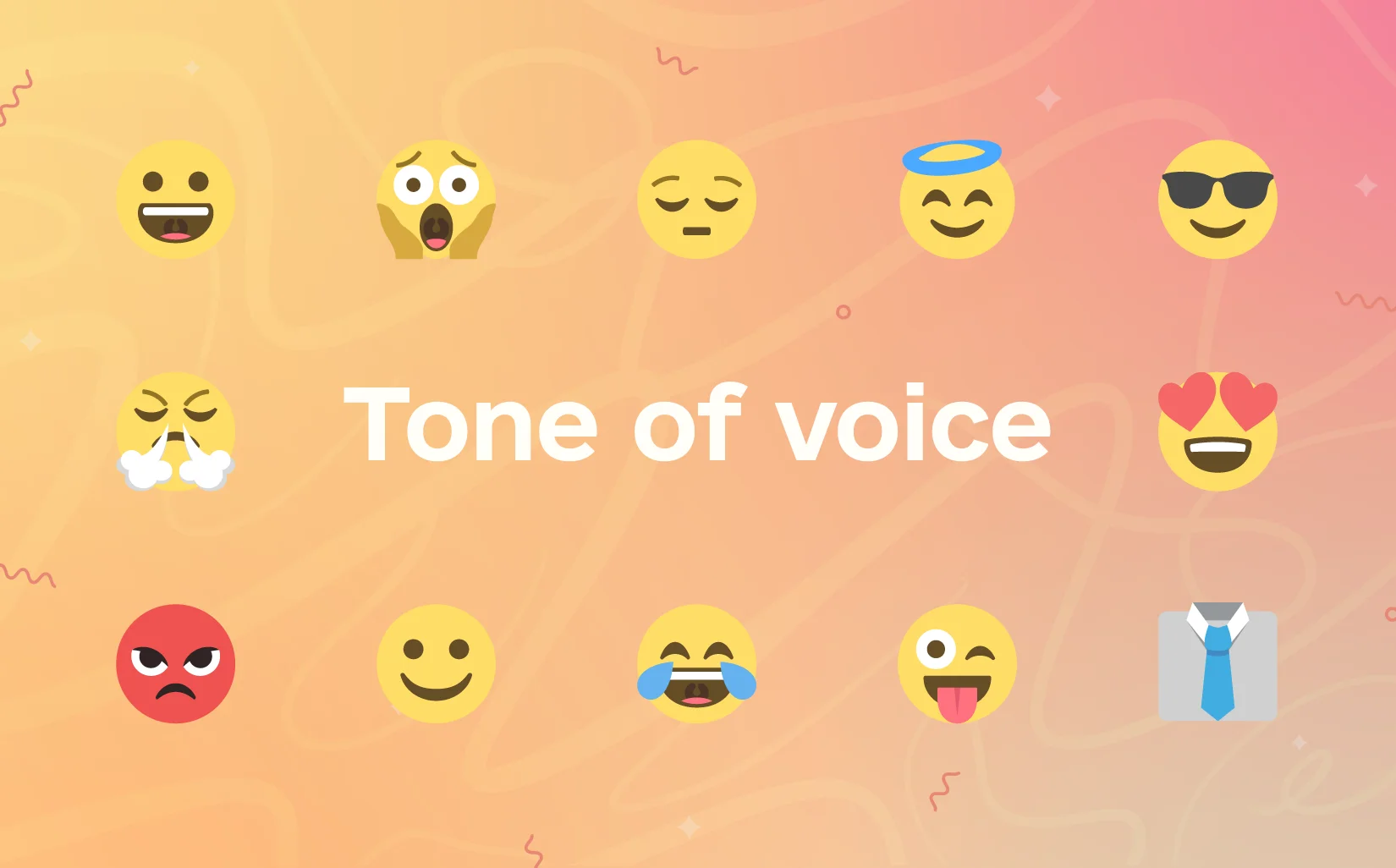
Tone of voice detection—the new must-have feature of text checkers
WProofreader is getting ready to launch a new tone of voice detection feature! Find out how it works and how WProofreader’s approach stands out from other spellchecker tools.


Discover how AI content detection and humanizers in grammar and spell checkers help you spot AI-generated text and make your writing feel more natural. Learn why these tools are a must-have for creating authentic content in today’s AI-driven world.
WProofreader is getting ready to launch a new tone of voice detection feature! Find out how it works and how WProofreader’s approach stands out from other spellchecker tools.
We’re excited to roll out a major update — RedPenNet v2: advanced grammatical error correction. This new version makes your writing cleaner and smarter by understanding context better, cutting down on false alerts and handling tricky grammar patterns like a pro.
Checklist of must-have admin panel features for efficient spellchecker management. Try WProofreader admin panel for handy proofreading functionality management.

Compare popular spell check plugins for CKEditor in Drupal. Discover the text correction features of WProofreader plugin for WYSIWYG editors.

Discover alternative solutions for Salesforce spell check: Sapling AI, Linguix, ProWritingAid and WProofreader. Try WProofreader SDK or browser extension!
In part 3, we’re sharing our experience in testing multilingual LLMs Claude and Jurassic by tweaking their parameters for better performance. Try WProofreader AI writing assistant.
Discover WebSpellChecker experience with prompt engineering for text rewrite. Create prompts for ChatGPT, LLaMA, Mistral and other LLMs.
Discover how digital spelling and grammar solutions are developing in the context of generative AI or LLM. Compare solutions like GrammarlyGO and Ask Writer.